
For Komiko creators
Your characters. Their next chapter.
The ideas you started in Komiko deserve somewhere to grow. Discover familiar ways to create characters, images, videos and voices in Lets Gen.
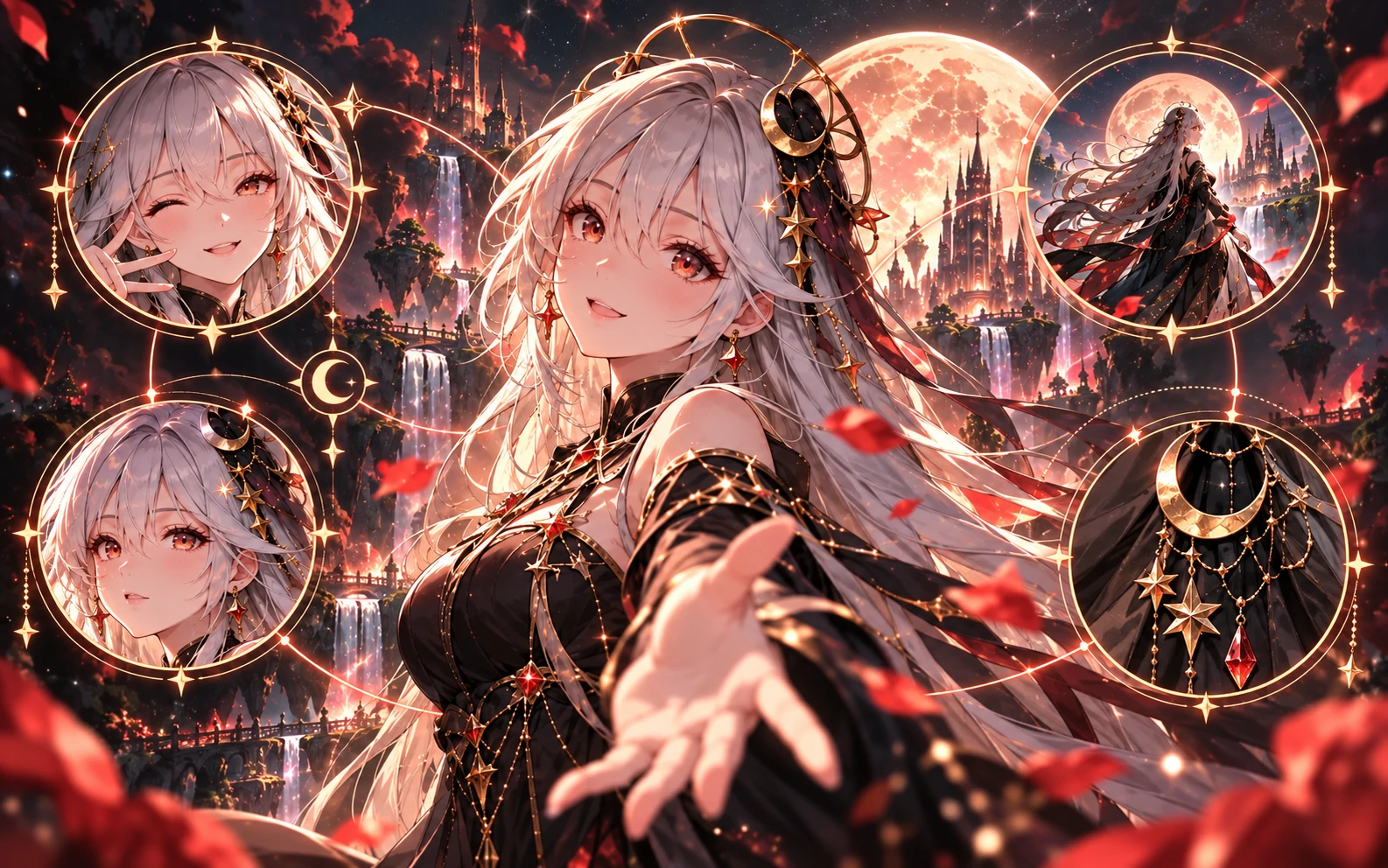
Find your next tool
Familiar ideas. New possibilities.
Choose what you loved making in Komiko. Each path below leads to a Lets Gen tool, with its own models, settings and pricing.

OC Maker
Describe your character’s appearance, choose styles or add a reference image, then explore new character designs.
Explore toolAI Image Generator
Bring your prompts to a new canvas. Generate images and explore anime styles or variations with image references.
Explore toolImage to Video
Start with a still image and describe the motion. Choose the video settings available for your scene.
Explore toolVoice Clone
Give your script a voice using the available voice options. Only use voice samples you have permission to use.
Explore toolKomiko → Lets Gen
Bring your ideas, one step at a time.
Save what matters
Save files and prompts you can still access in Komiko. Keep your own copies and bring only content you own or have permission to use.
Choose your starting point
Sign in to Lets Gen, then open the tool for your next idea. There is no need to recreate your entire workflow at once.
Make a small first creation
Add your prompt or a supported reference, review the settings and Gem cost, then generate. Different models can produce different results.
A few things worth knowing
Is Lets Gen the same service as Komiko?
You are on Lets Gen. This guide helps Komiko users discover its creative tools; it does not mean Komiko accounts or services have been renamed or transferred.
Will my account, credits or subscription transfer?
This page does not transfer Komiko accounts, credits or subscriptions. Use a Lets Gen account and check its current plans. For Komiko billing or service dates, consult Komiko’s official notices.
Can I bring my characters and artwork?
You can use files you have saved and have rights to as references in supported tools. There is no one-click Komiko project or character import here; prompts, settings and character details may need to be entered again.
Are all Komiko tools, models and voices available?
No one-to-one match is promised. Check each Lets Gen tool for available models, voices and supported inputs. Pricing, content rules and outputs may differ; a specific Komiko voice or effect is not guaranteed.
Lets Gen
Keep creating your world.
Start with one character. See where the next idea takes you.