

Nova Byte
Meet the character ↗Practice prompt
An adult streaming host with a pink-and-black bob, violet hoodie and small heart hairpin. Friendly expression, purple studio lighting, waist-up portrait.
OC MAKER · ORIGINAL CHARACTER DESIGN
Give your original character a face. Describe their appearance, choose traits and a visual direction, then compare four portrait candidates.
Explore examples ↓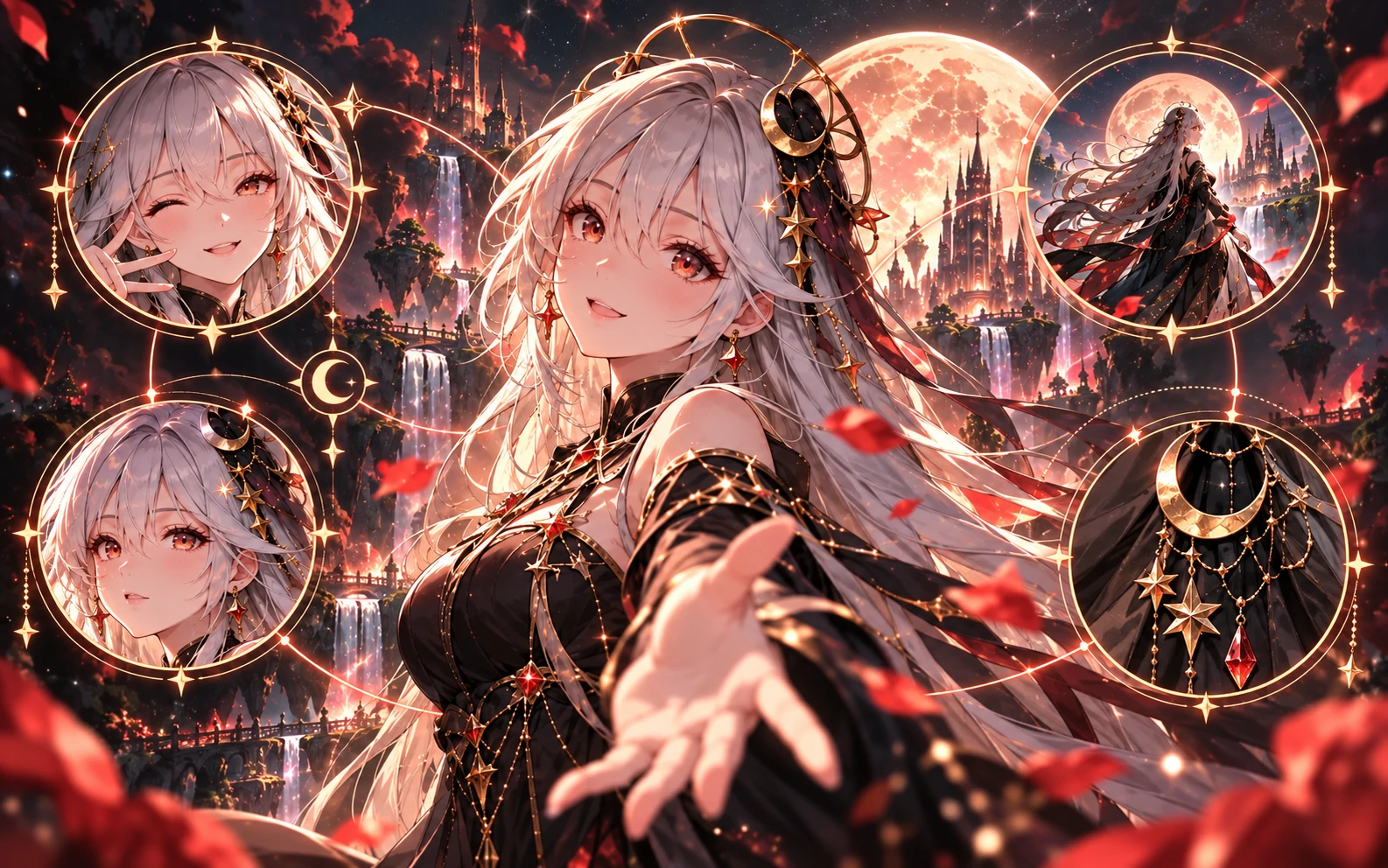
An OC is an original character: someone you invent for a story, a game or a world of your own. An AI character generator translates visible details into images. A portrait is the starting point—not a finished backstory, a 3D model or a complete chat Character.
01 / Examples
Explore six existing Lets Gen characters and the details that make their portraits recognizable. These are character-design references, not verified outputs of the current OC Maker. The practice prompts below were written for this guide; they are not the original image prompts and will not reproduce these portraits.
An adult streaming host with a pink-and-black bob, violet hoodie and small heart hairpin. Friendly expression, purple studio lighting, waist-up portrait.
An adult astronomer with long midnight-blue hair, a crescent pendant and a navy robe. Quiet observatory, moonlit window, thoughtful expression, portrait.
An adult illustrator with orange double buns, freckles and headphones around the neck. Teal-and-orange jacket, warm daylight, cheerful illustrated portrait.
An adult spaceport guard with cropped hair, a weathered black jacket and a stern expression. Red industrial lighting, clear silhouette, cinematic portrait.
An adult librarian with a short auburn bob, cream blazer and teal shirt. Gentle smile, bookshelves, soft window light, realistic portrait.
An adult gothic traveler with long black hair and a dark coat. Foggy old street, distant amber lantern, reserved expression, atmospheric portrait.
02 / How it works
Choose a role, a setting and three recognizable details. Describe visible features rather than asking the image to show an entire biography.
Open OC Maker, refine appearance and choose a style or an image you own as a reference. Reference mode uses a different workflow and cost; review the creator before generating.
Look for the silhouette, hair, outfit and expression you intended. Select the candidate that best fits your idea—not just the most detailed image.
Keep identity details in your prompt and change one variable, such as expression or clothing. Review every result; consistent identity is not guaranteed. Continue to Character creation when ready.
This is a writing exercise, not a before-and-after generation claim. Add observable details, then make one deliberate change.
Read the character-design guide ↗A fantasy courier.
An adult sky courier with silver braids, amber goggles and a weathered brown flight jacket. An envelope pouch at the waist, calm expression, simple sky-blue background, waist-up character portrait.
Keep the silver braids, amber goggles and brown jacket. Change only the expression to a confident smile.
03 / Why Lets Gen
Describe the character in your own language; you do not need a finished drawing to start exploring.
Review four portrait candidates together instead of committing to the first image.
Take a selected portrait into Character creation, or explore the separate image, video and voice tools.
Build a description with hair, eyes, clothing and accessory options instead of starting from a blank page.
Choose a style without a reference image, or use your own reference to guide the character's appearance.
Use Inspire in the creator for a random character direction, then make it your own.
04 / Compare
Compare Lets Gen, Midjourney, Stable Diffusion and DALL-E to find a character-creation workflow that fits you.
On small screens, swipe the table sideways to compare all columns.
| Feature | Lets Gen OC Maker | Midjourney | Stable Diffusion | DALL-E |
|---|---|---|---|---|
| Character details | SupportedPick appearance, clothing and accessories, or write your own description. | Limited / conditionalDescribe appearance through text prompts; the guide documents prompt-based controls. | Limited / conditionalDescribe traits with prompts; additional controls depend on the app and workflow. | Limited / conditionalDALL·E 3 used text descriptions; its official API has been retired. |
| Style or reference | Limited / conditionalChoose a style without a reference, or use one owned reference image. These are separate modes. | SupportedImage Prompts and Style References can be combined; compatibility varies by version. | Limited / conditionalImage-to-image and ControlNet workflows; model and extension compatibility matters. | Limited / conditionalDALL·E 3 used text for style; image edits and variations belonged to DALL·E 2. |
| Candidate images | SupportedRequest four portrait candidates and choose a direction. | SupportedThe standard image workflow returns four images. | Limited / conditionalBatch size depends on the interface, workflow and available hardware. | Limited / conditionalThe former DALL·E 3 API returned one image per request. |
| Random inspiration | SupportedBuilt-in Inspire action creates a starting character description. | Limited / conditionalRandom style codes provide visual inspiration, not a documented random character-profile generator. | Limited / conditionalVary prompts and seeds to explore looks; character prompts need a separate workflow. | Limited / conditionalExplore ideas by rewriting prompts; not a built-in character inspiration workflow. |
| Continue as a Character | SupportedTake a selected portrait into Lets Gen's Character creation flow. | Not documentedThe reviewed guide does not document portrait-to-chat-profile creation. | Limited / conditionalCharacter profiles and chat require a separate application or integration. | Limited / conditionalImages must be taken into a separate character-creation tool. |
| Broader creative work | SupportedContinue in separate image, video and voice tools. | Limited / conditionalImage generation and image-to-video; a separate voice-creation tool is not documented in the reviewed guides. | Limited / conditionalImage models; video and voice require additional models or tools. | Limited / conditionalDALL·E generates images, not video or voice. |
05 / Use cases
Define your protagonist's silhouette, outfit and expression before planning a cast or comic panels. Use the portrait as a visual reference alongside your story notes.
Design a portrait for a tabletop hero or NPC, then add their role and personality. The image is a concept reference, not a rigged or ready-to-play game asset.
Explore a profile portrait for your online identity. Check the face at small sizes and the avatar crop before sharing.
06 / More tools
Give your OC a scene, explore a variation, add motion or develop a voice. Each link opens a separate tool; select your own image and confirm its settings before generating.
Describe a setting, outfit or scene for your character with the image generator.
Explore toolStart with an owned character image and explore visual variations. Check which identity details carry through.
Explore toolUse a character image as the starting point for a video and describe the motion you want.
Explore toolDescribe a voice direction to preview for your character. Voice creation is a separate step from making a portrait.
Explore tool07 / FAQ
Describe the role, hair, outfit, expression and framing. Start from a practice prompt above, replace its details with your own, then compare the four results in OC Maker.
No. You can begin with text. A reference image is optional and must be one you have the right to use.
Yes. Select your own image in the creator. Reference mode differs from style-only generation, including cost; check the displayed settings before submitting.
OC Maker requests four portrait candidates per run. Check the actual result if a generation finishes only partially.
Generation uses Gems. The creator shows the cost before submission; available balance, promotions and paid options depend on your account. Browsing this page does not spend Gems.
Keep distinctive details stable and use an appropriate reference when available. AI results can vary; review faces, clothing and accessories rather than assuming perfect consistency.
No. Choose a portrait and continue into Character creation to add the profile and conversation settings.
Check the current Terms and applicable usage conditions. Make sure you have rights to reference images and avoid infringing someone else's characters, likeness or trademarks.
Choose from the styles currently available in the creator. Adding a reference image disables style selection; the two modes guide generation differently.
OC means original character. OC Maker is an AI character generator focused on exploring a character's portrait, with a next step for creating their profile.
Yes. Open OC Maker and use Inspire to fill in a starting description, then adjust the appearance and traits before generating.
Check the dimensions of the generated image before using it for print or a large layout. Download watermarking depends on your account's creative entitlements; do not assume every export is watermark-free.
Start with a few details. Discover what your character could become.