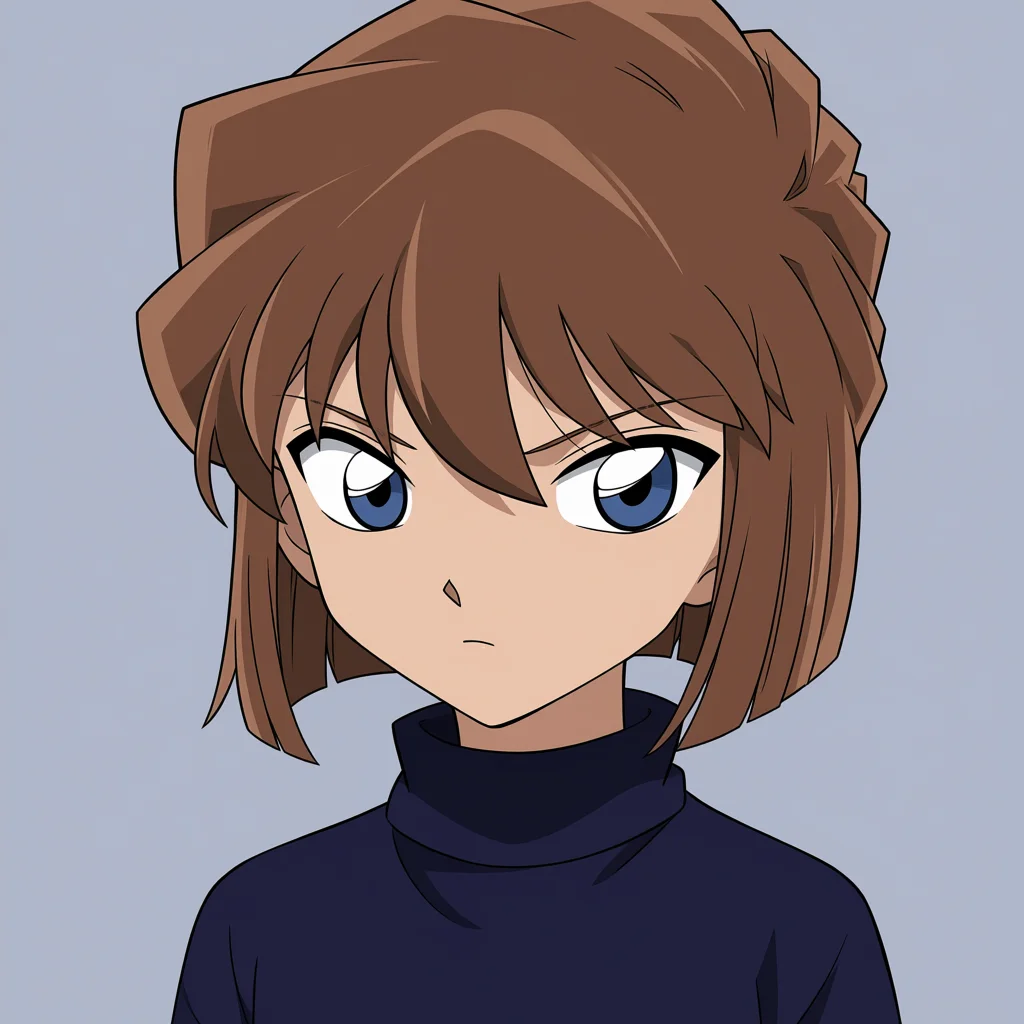
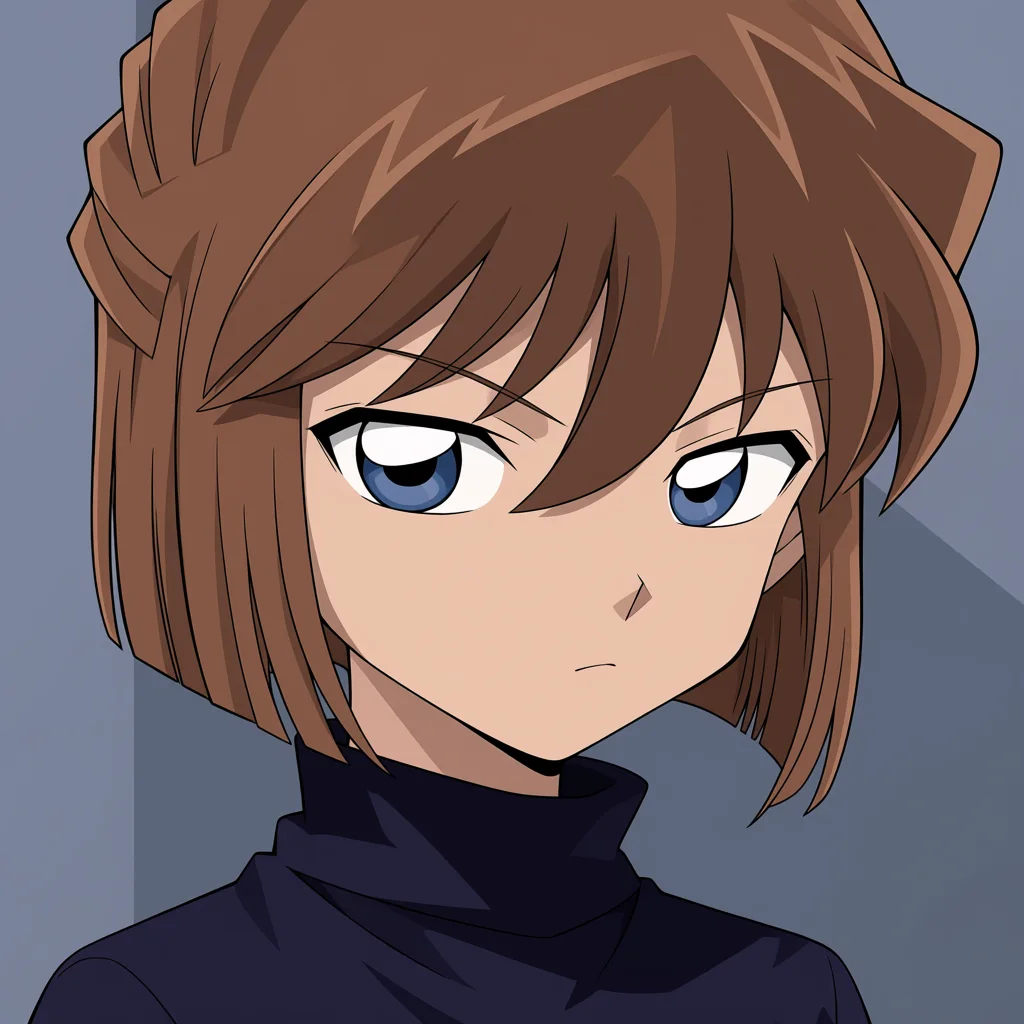
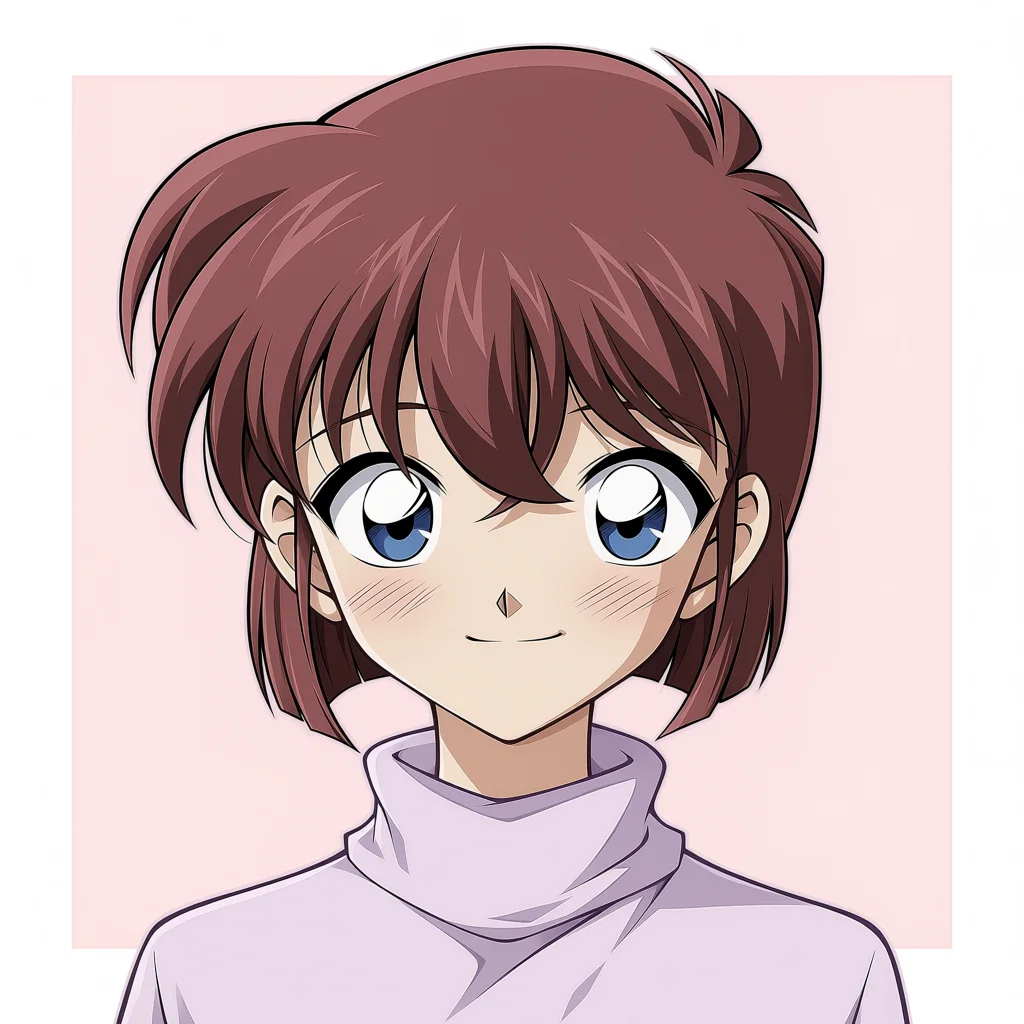
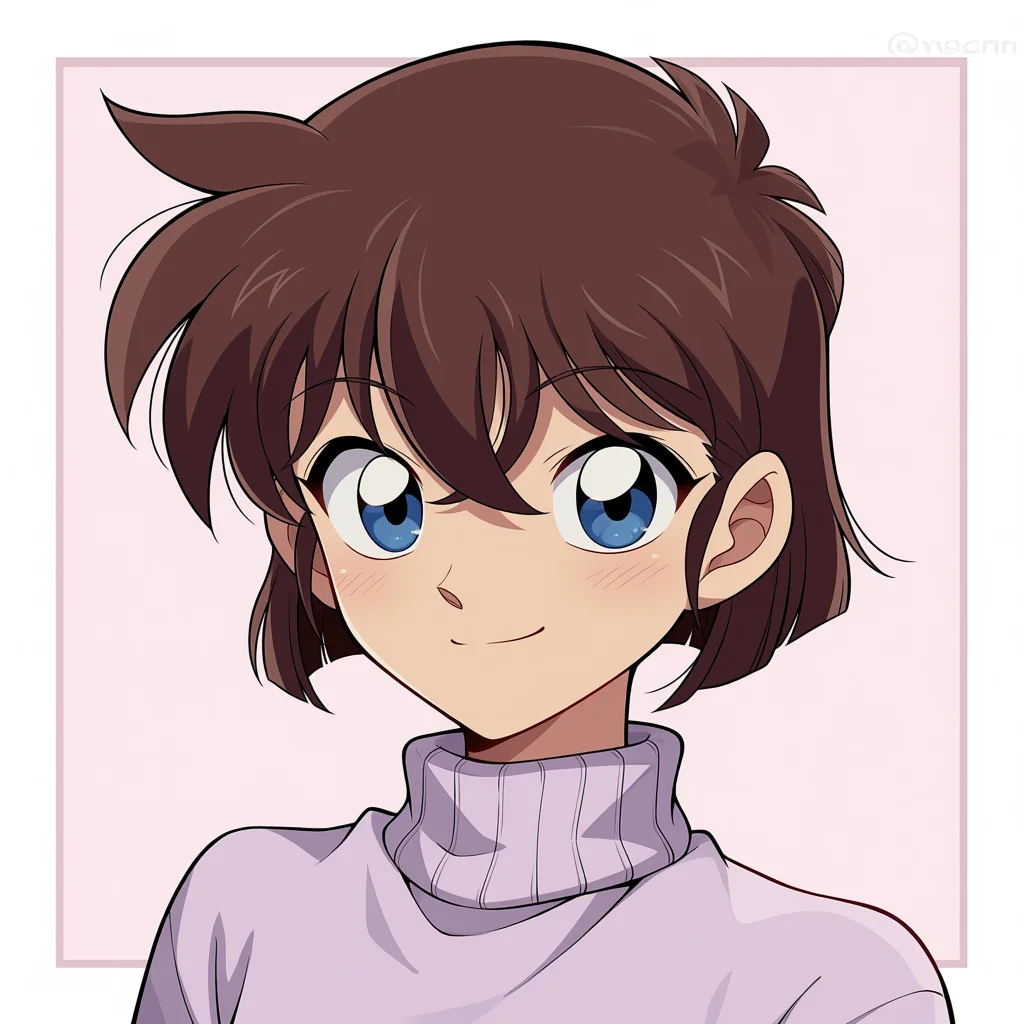
Generating requires sign-in and Gems. The cost depends on your model and settings and is shown before generation.
Frequently asked questions
Are these official images?
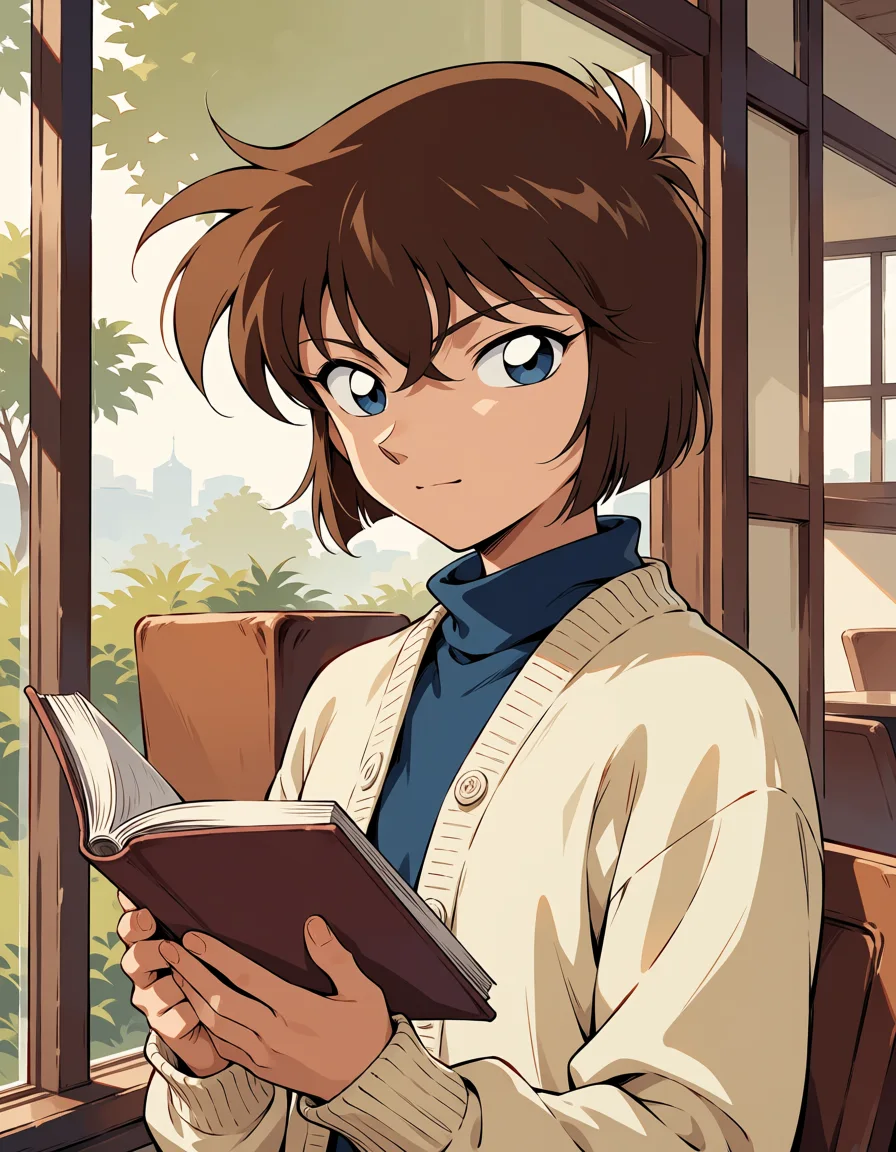
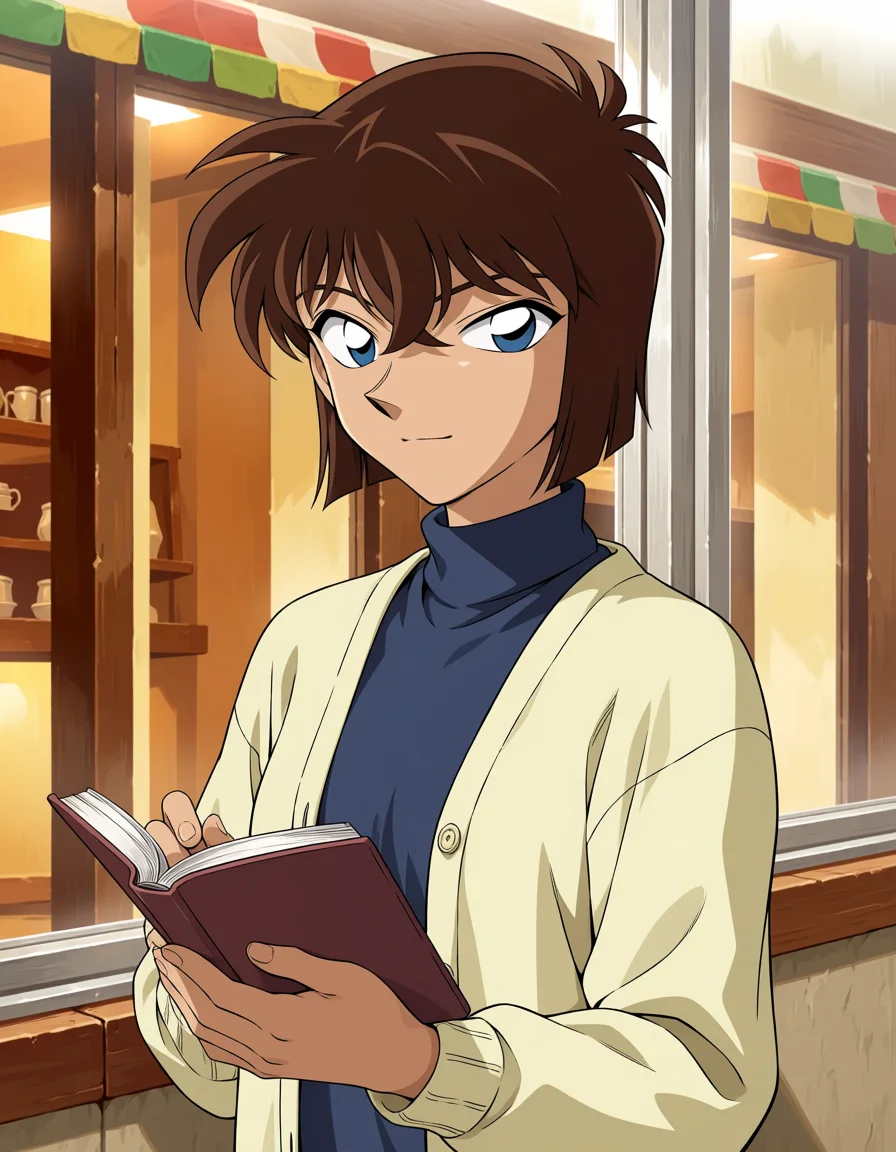
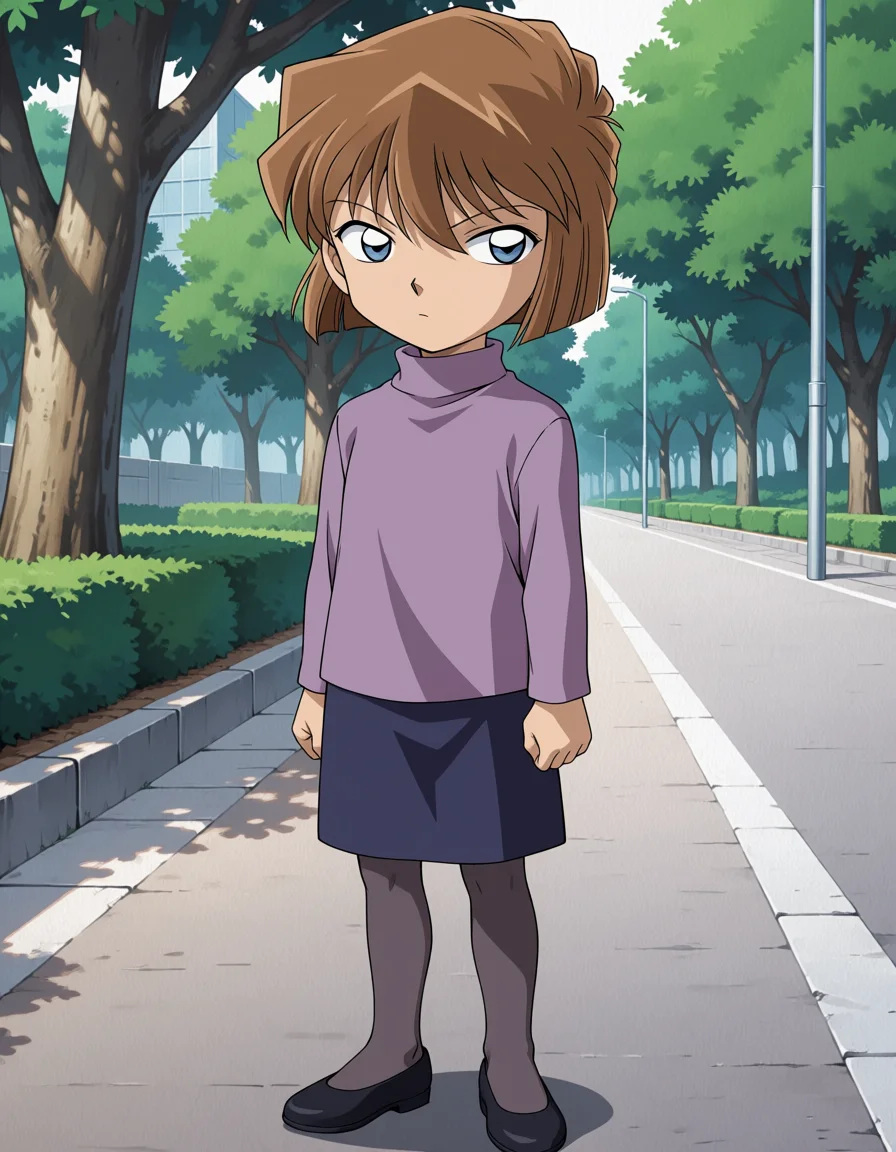
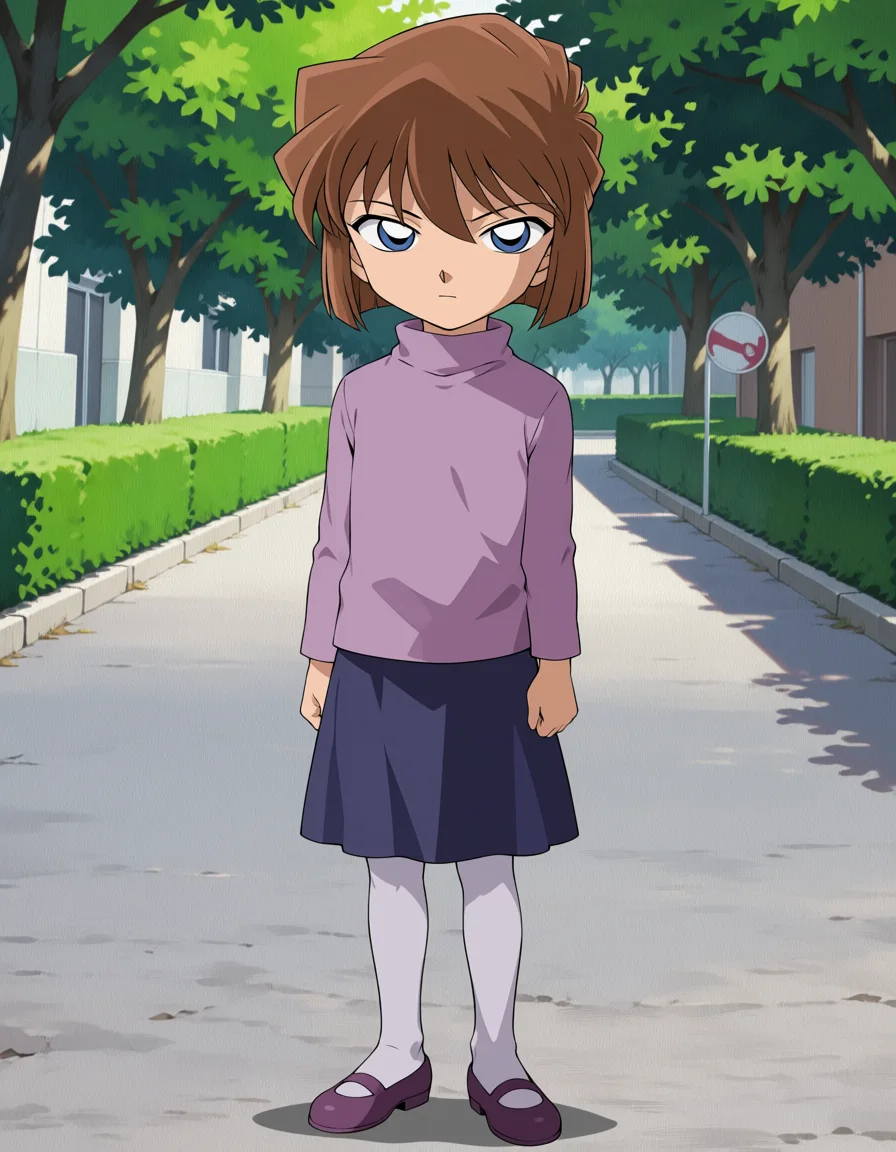
No. They are AI fan art generated with Lets Gen. Expressions and outfits may differ from the original character.
Do I need to sign in to save an image?
You can save the images on this page without signing in. If saving does not start on your phone, open “View larger” and press and hold the image to save it.
Which images work best as profile pictures?
Choose a square image with a centered face and simple background. Adjust circular crops to avoid cutting off the face or hair. Follow the platform's rules and avoid implying an official affiliation.
Can I create a different expression? Does it cost anything?
Use “Create Ai Haibara art” and describe the expression or background you want. Generation requires sign-in and Gems. The cost varies by model and settings and appears on the generate button. Results may differ from these examples.